Printed QR Materials: How to Grow Your Loyalty Program
Posters, table tents, and cards with your QR code: how to choose them, where to place them, and how to download them print-ready.
The first step is getting them to join
You can have a great stamp card and attractive promotions, but if your customers don’t join your program, it’s no use to them. To join, your customers just have to scan your QR code. The challenge is getting them to see it at the right moment.
Printed materials put your QR code where your customers are: waiting for their order, paying at the register, or opening the bag at home.
Step 1: Choose a design
In the app, go to Print Materials. There you’ll see a catalog of templates that already include your logo and your QR code. Open the preview to see how they look before downloading them.
Step 2: Choose the material based on the place
Each design comes in three formats:
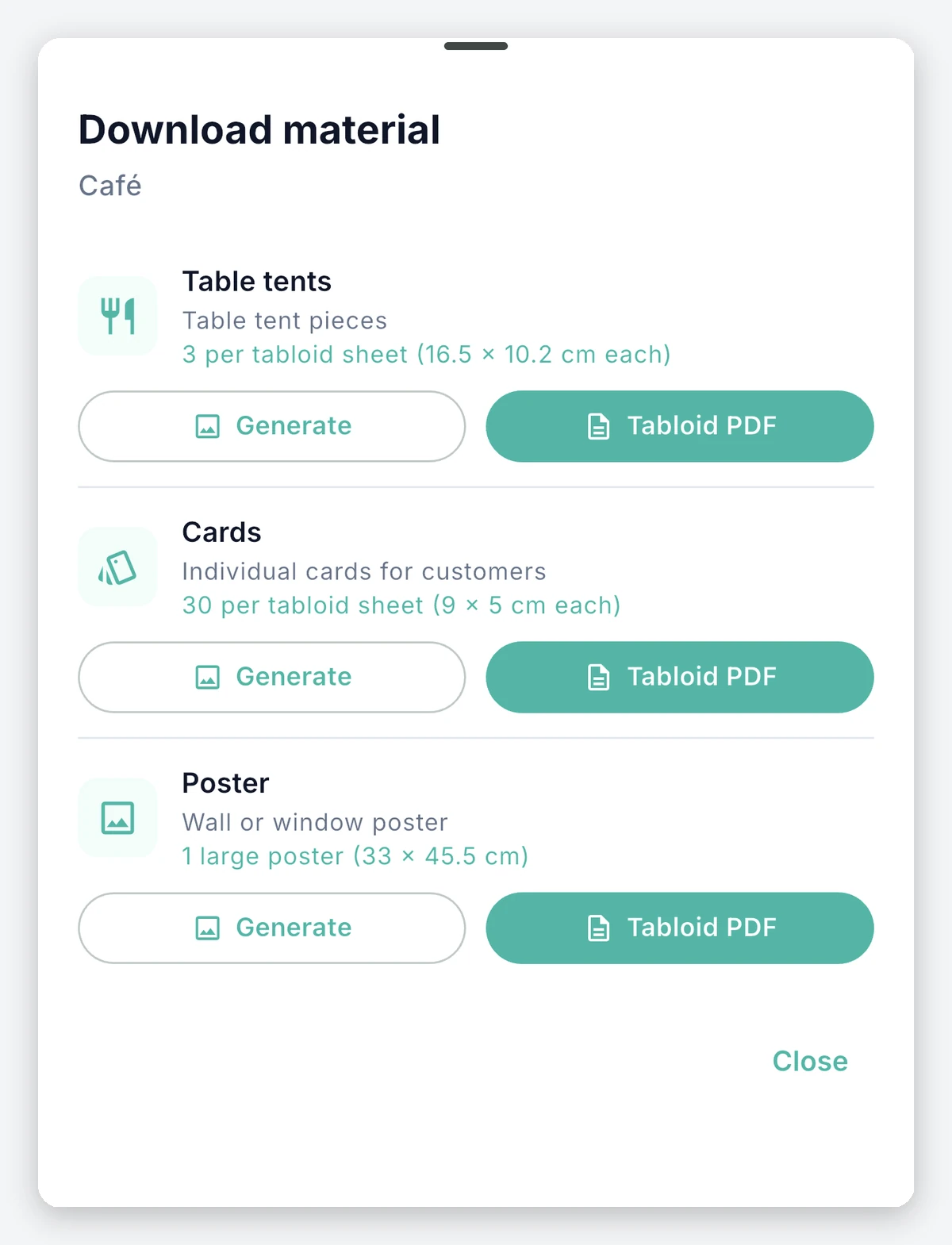
- Poster: for the door, a wall, or the window. Great for catching the eye of people walking by or standing in line.
- Table tents: for tables or next to the register, where customers wait with their phone in hand.
- Cards: to hand out in person or slip into every delivery order.
Step 3: Download and print
You download a PDF on tabloid-size paper, ready to print. The table tents come three per sheet and the cards thirty per sheet. You can take it to your trusted print shop or print it yourself.
Step 4: If you want something custom, design it with AI
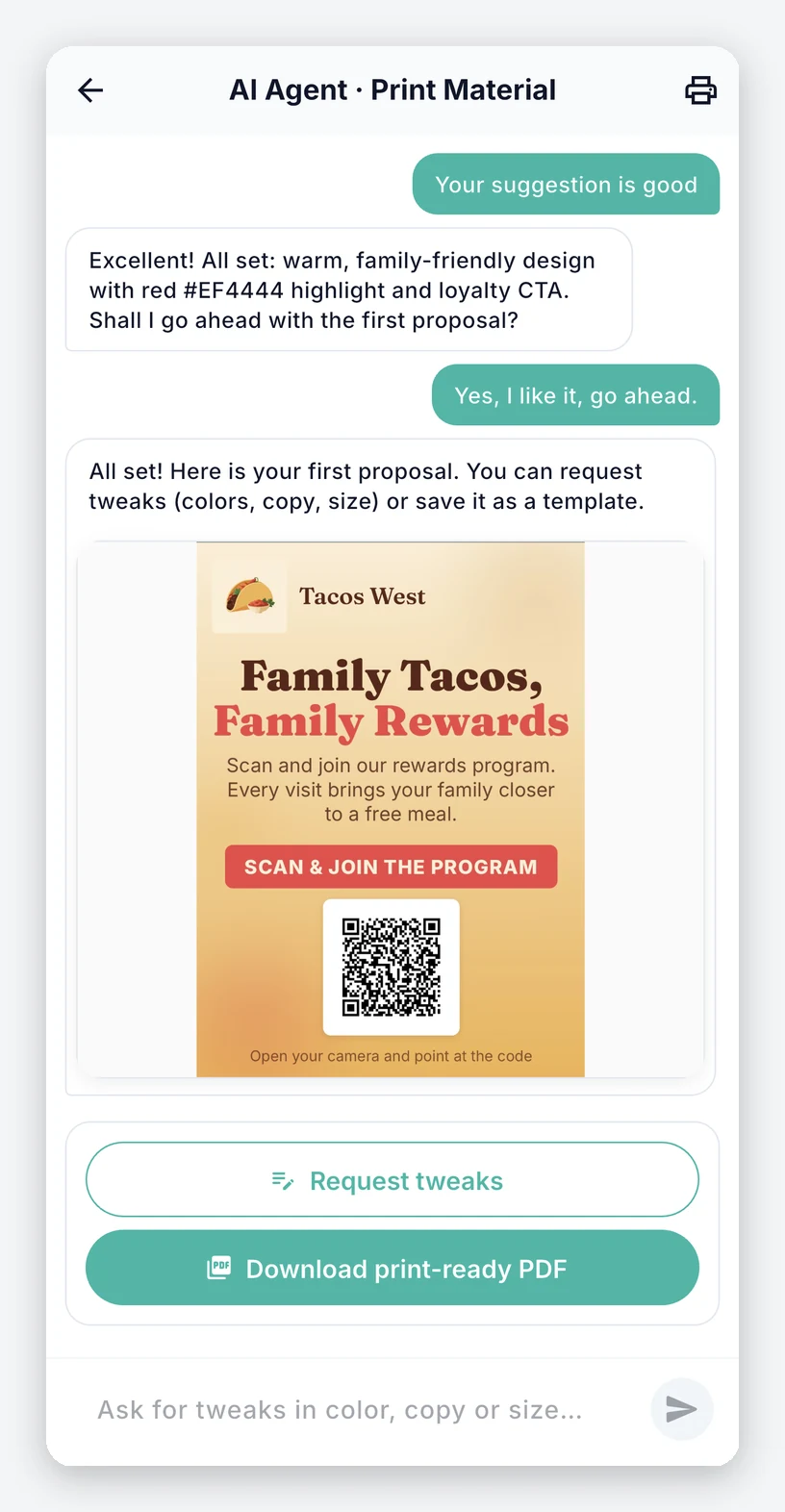
If none of the templates convince you, the Print Material Designer creates the artwork with you. You tell it what you need, see the preview, and ask for changes until you like it. When you’re done, you save it to your printed materials.
Where to place them
- At the register: this is when the customer has already bought and has time to scan.
- On the tables: while waiting for their order, customers usually have their phone at hand.
- At the entrance: so first-time visitors know you have a program.
- In delivery orders: a card in the bag takes your program all the way to their home.
Tips
- Give the QR code a reason: “Scan and earn your first stamp” works better than a QR code on its own.
- Have your team mention it: a quick phrase when taking payment helps customers feel encouraged to join.
- Check that it scans well: place the QR code at a comfortable height and in good light.
Your next step
Go to Print Materials in the app, choose a design, and download your first table tent.
Ready to build customer loyalty?
Start for free, no credit card required. Set up your program in minutes.
Download free